

Click through our senior living billing software yourself
Follow the pulsing dot through the real product. No sign-up, and all of the data is made up. Prefer to watch? See the video.
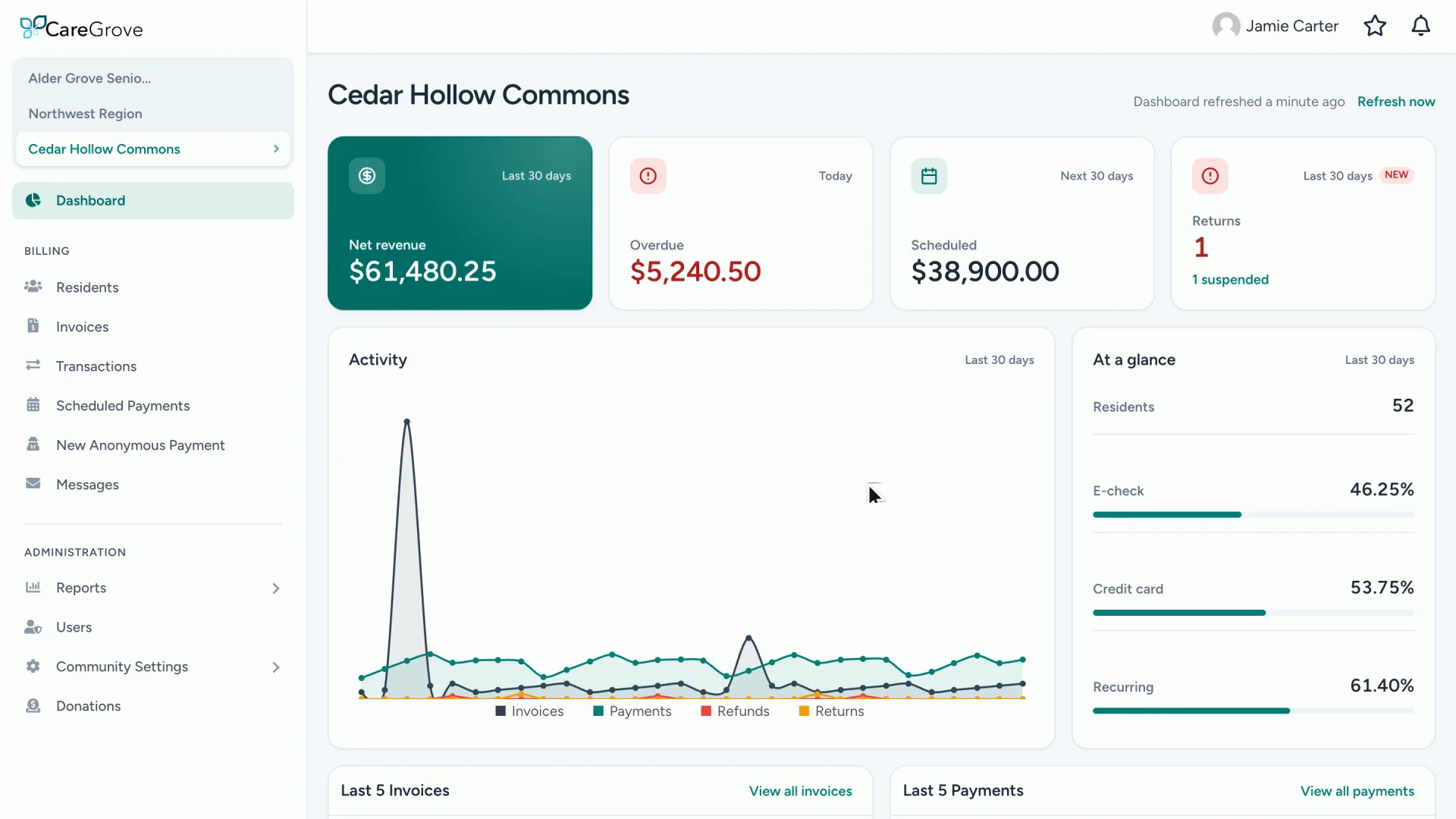
What your team sees
- See what needs attention. The dashboard shows net revenue, overdue amounts and what is scheduled, before anyone opens a report.
- Find any resident. Every resident with their invoice status and outstanding balance. Search, filter or export the list.
- Everything about one resident. Invoices, payment history, scheduled payments, details, payers and payment methods sit in one row of tabs.
- An invoice anyone can read. The amount due comes first, with the full breakdown below. Edit, send, download or take a payment from one place.
- Take a payment for a family. Accept a card, an eCheck or an offline payment, and save the method for next time.
- Set it up once. Choose the day, such as the first Monday, the amount and how many payments to make.
- See what is coming. Every scheduled payment in the community, with payment plans on the next tab.
- Every transaction in one place. Payments, refunds, returns and cancellations in one searchable list.
- The full story of a payment. What was paid, what was refunded and what remains, with related transactions underneath.
- Reports ready for finance. Payments, refunds, settlements and more, each ready to export.
What families see
- One clear amount. Families see what is due for each resident as soon as they log in.
- Pay in a couple of minutes. Pay by card or bank account, and save the details for next time.
- Never miss a due date. Pick the day, the amount and how long it should run.
- Always know what is scheduled. Every upcoming payment is listed, along with a note if it will not cover the full balance.
- Stay in the loop. New invoices and completed payments appear here, and by email too.